Safety and Privacy: How to Protect Yourself
Your phone number is kept hidden, profiles are verified, and an 18+ protection and reporting system is in place. Learn about safety tools and privacy settings.

 October 6, 2026 · 2 min read
User safety is a top priority on xTanishuv. Here are the tools and privacy settings that keep you protected.
Personal Information
Your phone number is never requested or shown to other users—log in is done securely through your Telegram account.
Other users will only see the information you choose to display on your profile.
Verified Profiles
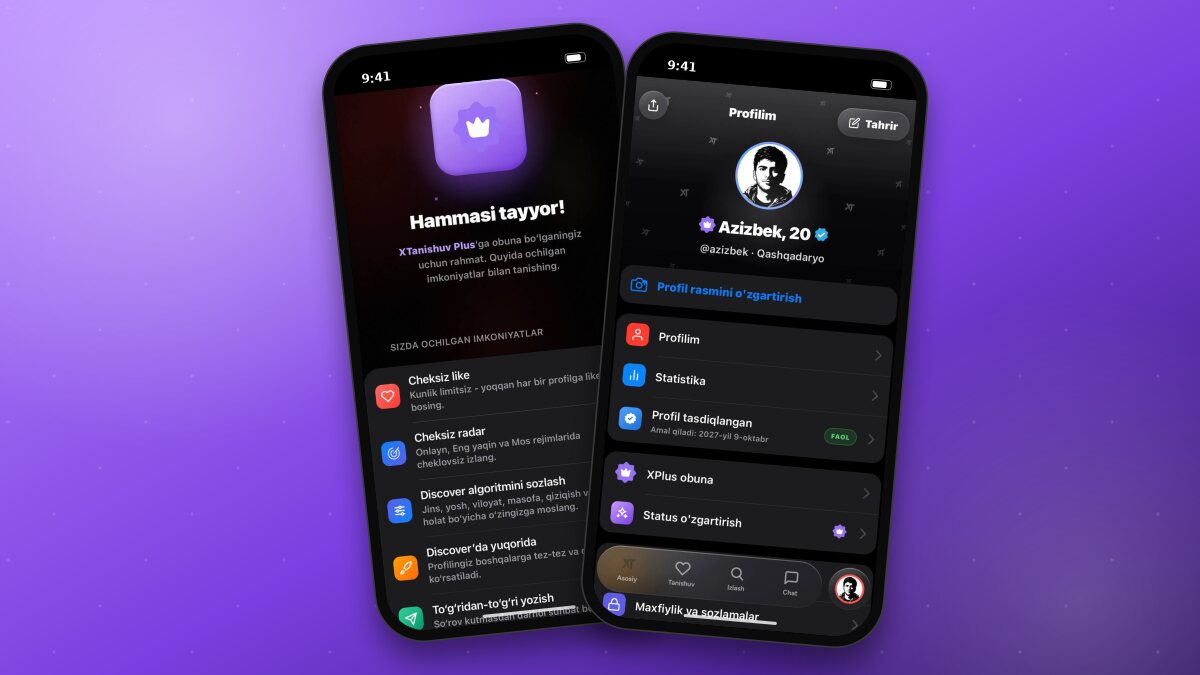
The blue checkmark indicates a user verified via selfie. We recommend prioritizing verified profiles when dating. In the “Algorithm” settings under the dating section, you can turn on the “Verified only” toggle to view exclusively verified profiles.
18+ Protection
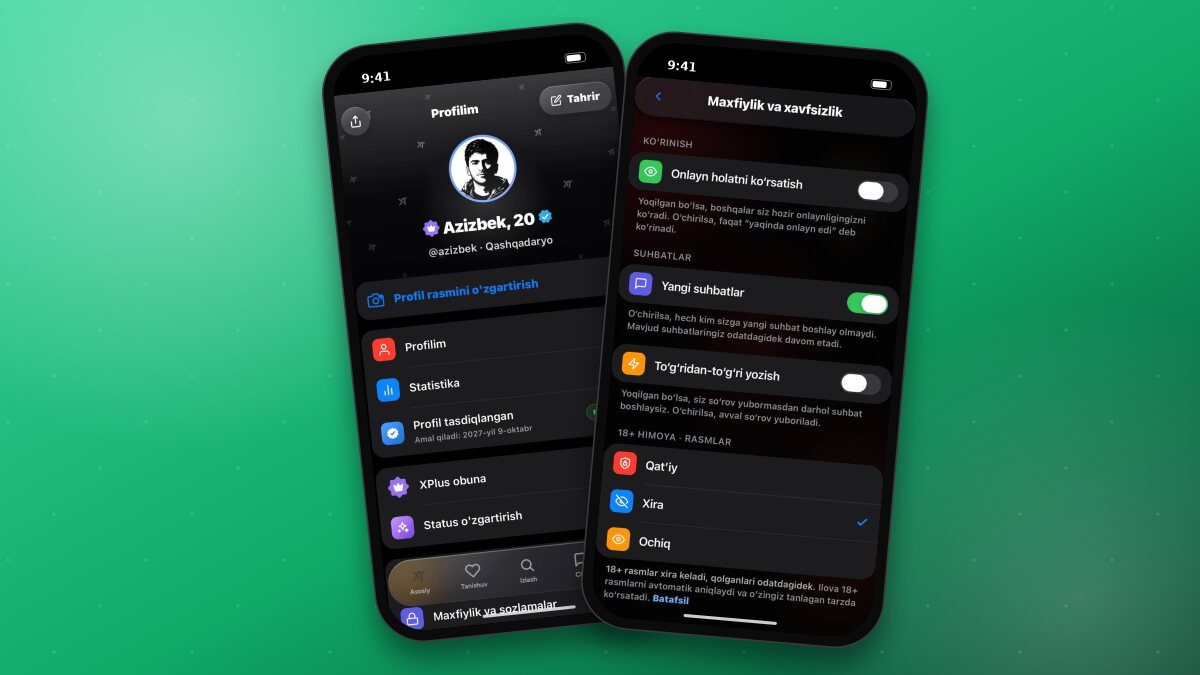
Photos sent in chats are checked automatically. You can choose how suspicious photos are displayed:
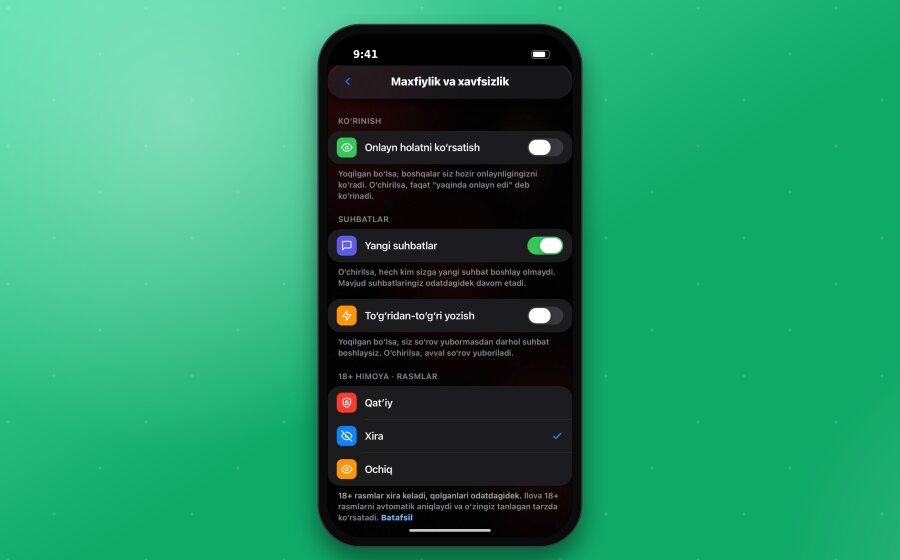
Strict - suspicious photos are hidden entirely.
Blurred - suspicious photos arrive blurred and open only when tapped.
Open - photos are displayed normally.
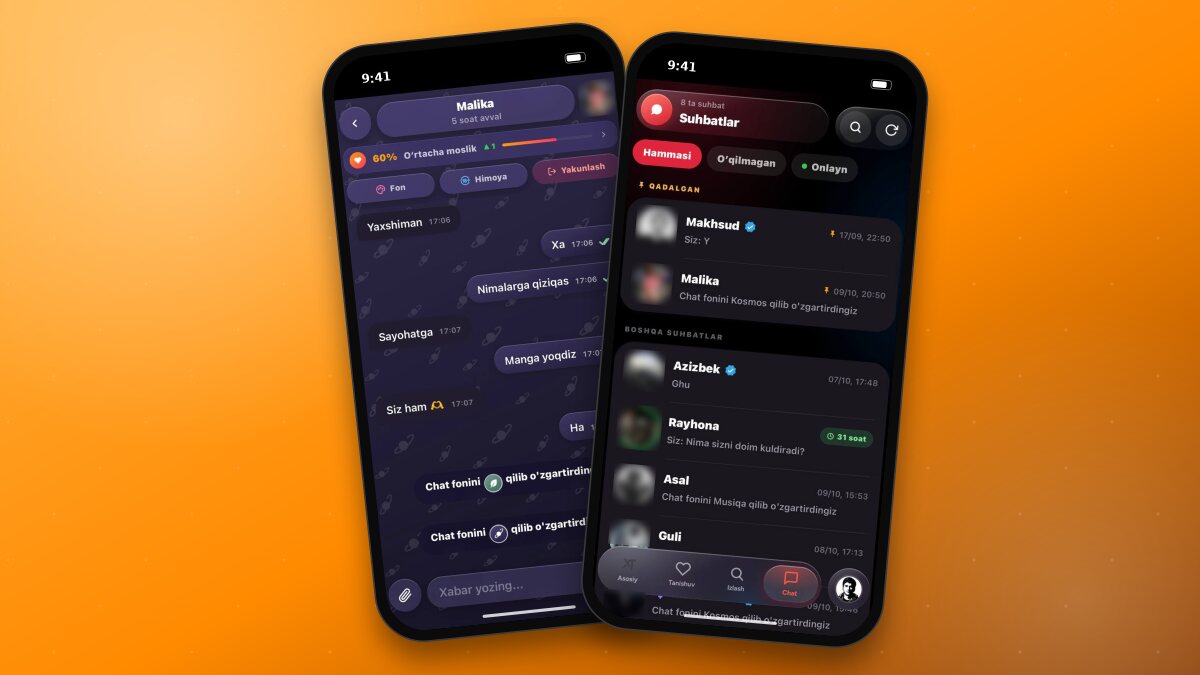
There is also a separate setting for inappropriate words: Hide or Show. The general setting is located in Profile → Privacy and settings, while individual chat settings can be found via the “Protection” button in the chat header.
Good to knowExplicit 18+ content photos are always blocked regardless of your settings.
Reporting and Blocking
If someone violates the rules, send a report. Every report is reviewed by moderators, and violators face restrictions or bans. You can also block any user yourself; your list of blocked users is located in Profile → Blocked users.
Privacy Settings
In the Profile → Privacy and settings section, you have access to the following options:
Show online status - when enabled, others can see when you are currently online. When disabled, it will only show “recently online” (XPlus).
New chats - when disabled, no one can start a new chat with you, though existing chats can continue (XPlus).
Direct messaging - when enabled, you can start a conversation immediately without sending a request first; when disabled, a request is sent first (XPlus).
ImportantNever send money to strangers or share personal information (such as your address, documents, or bank card details). Report any suspicious activity via @xt_help.