What is xTanishuv and how does it work?
xTanishuv is a free dating service that runs inside Telegram. In this article, you will learn about the main sections of the service and how to use them.

 October 1, 2026 · 2 min read
xTanishuv is a dating service built for users in Uzbekistan. The service works as a Telegram Mini App: it opens directly inside the Telegram app, requires no additional downloads, and does not ask for your phone number.
Core principles of the service
Free to use. Profile creation, search, likes, and chats are provided for free. Extra features are optionally available through an XPlus subscription.
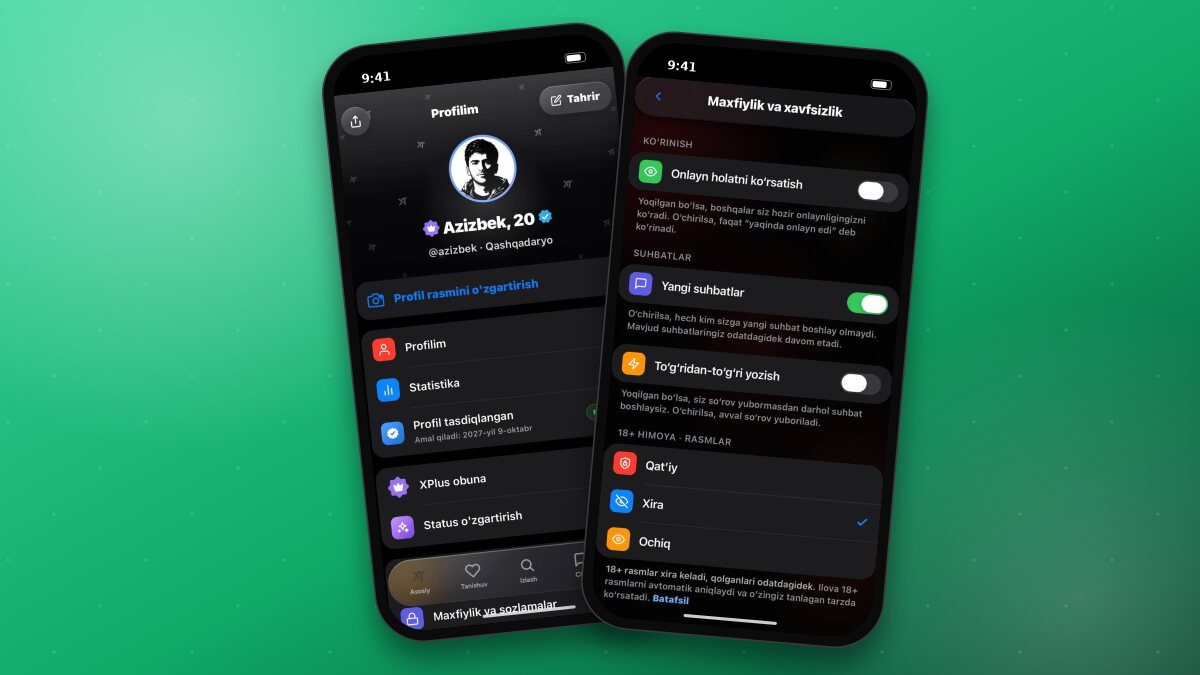
Safety. Profiles are verified via selfies, and chats feature 18+ protection and a reporting system.
Regional coverage. The service works across all regions of Uzbekistan; search by region and distance is available.
Age limit. The service is strictly for users aged 18 and older.
How to get started
- Open the @xTanishuvBot bot on Telegram and tap the “Open” button.
- During the registration steps, enter your name, age, gender, region, photo, and interests.
- Set your dating goal.
- Once registration is complete, you can browse users through the Discover and Search sections.
Good to knowRegistration is done through your Telegram account. No login or password creation is required.
App sections
At the bottom menu, you will find four sections and your profile:
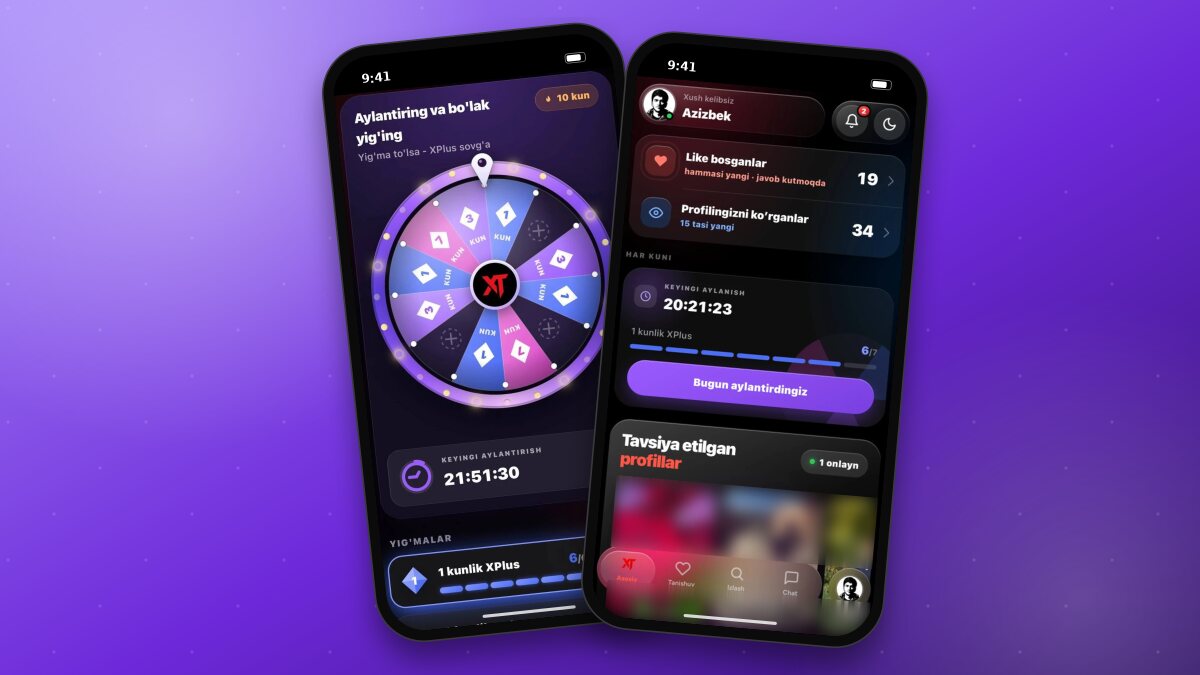
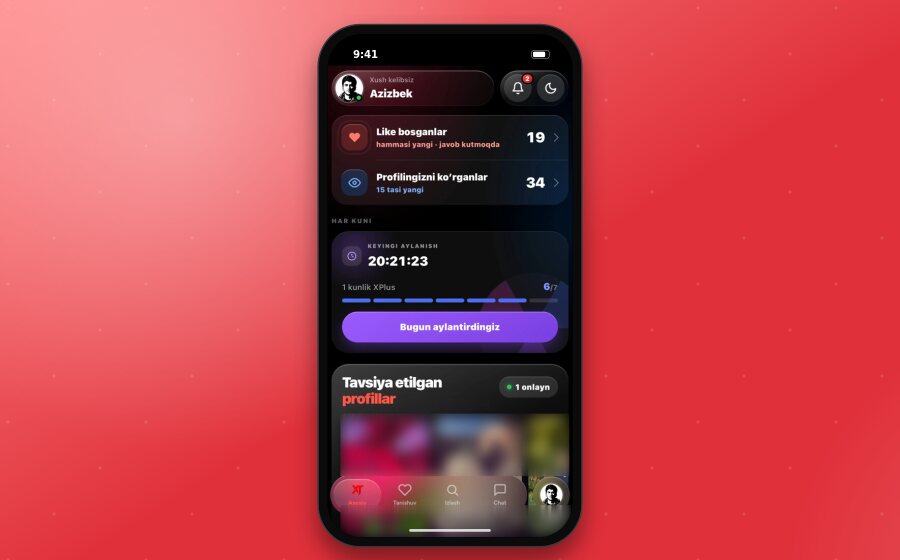
Home - the main page: people who liked you, profile viewers, daily gifts, and recommended profiles.
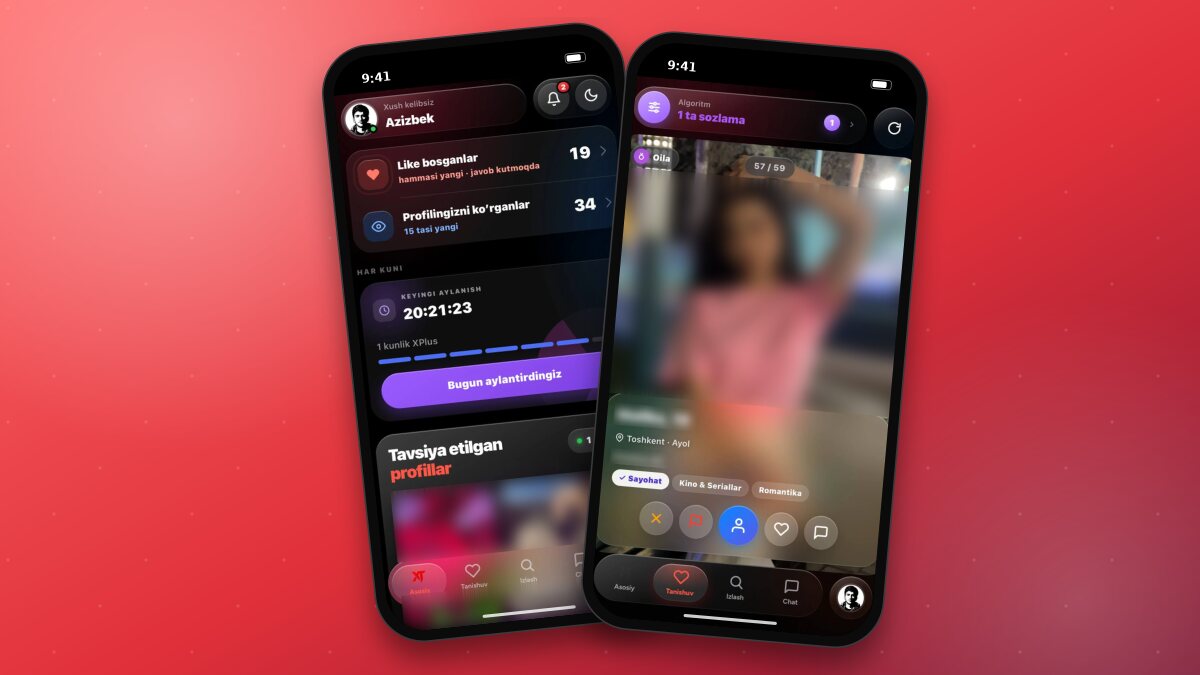
Discover - browsing profiles one by one, sending likes, and starting chats.
Search - quick search via Radar for online, nearby, or most compatible users.
Chat - chat requests and messages.
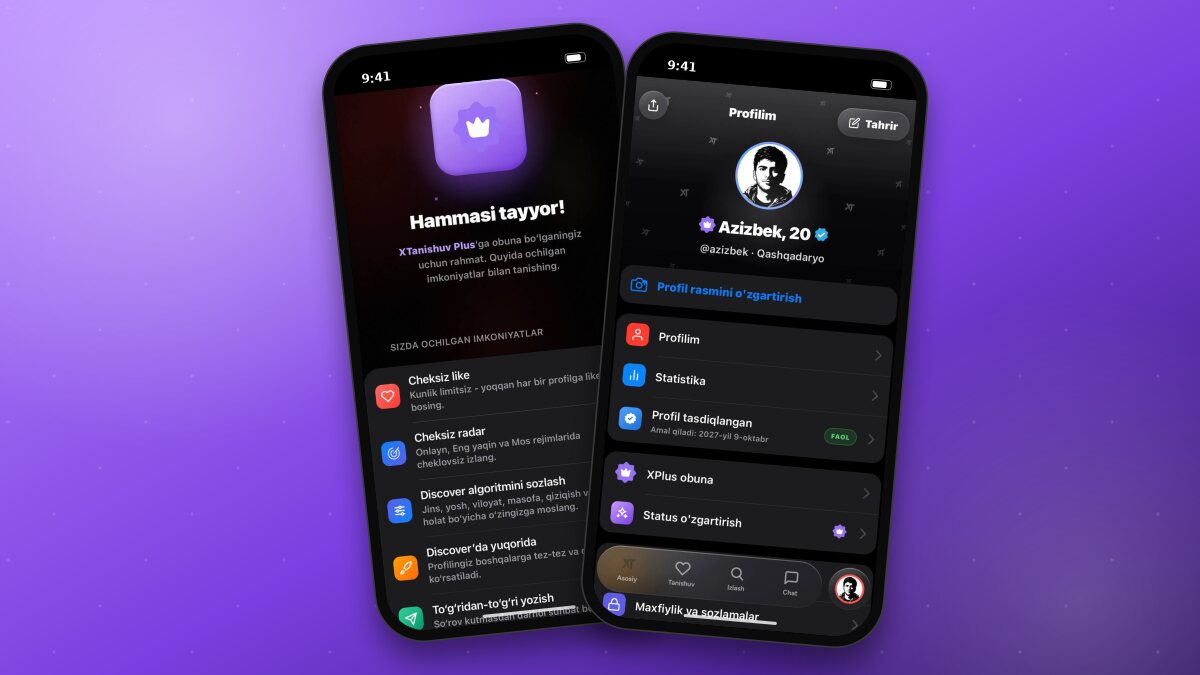
Your Avatar - profile, statistics, and settings.
Home page
When you open the app, the Home page is displayed. It contains the following blocks:
Liked you - the number of users who liked you and new likes.
Profile viewers - the number of people who viewed your profile.
Daily - the daily wheel. You can spin it once a day; collecting consecutive days can earn you rewards like 1 day of XPlus. The time remaining until the next spin is shown on the page.
Recommended profiles - compatible users and the number of people currently online.
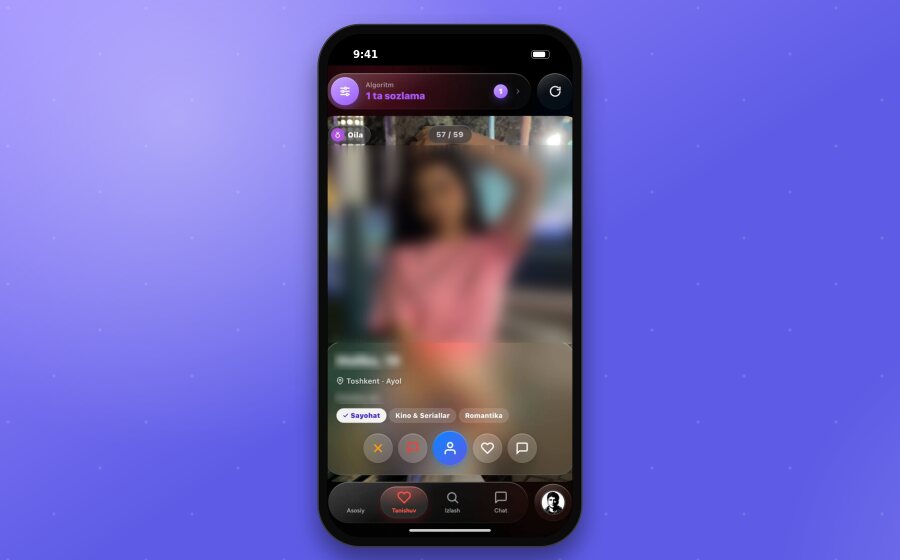
In the Discover section, profiles are shown on large cards. Using the buttons under the card, you can skip a profile, report it, open the profile, send a like, or start a chat.
Detailed instructions for each section are provided in separate articles on this blog.
TipIf you have any questions or issues, please contact support: @xt_help.