Registration and Profile Setup
A fully completed profile is shown to more users and gets more responses. Here is how to properly set up and verify your profile.

 October 2, 2026 · 2 min read
Registration is done through your Telegram account. The app breaks profile creation down into a few short steps and guides you on what to enter at each stage.
Profile Page
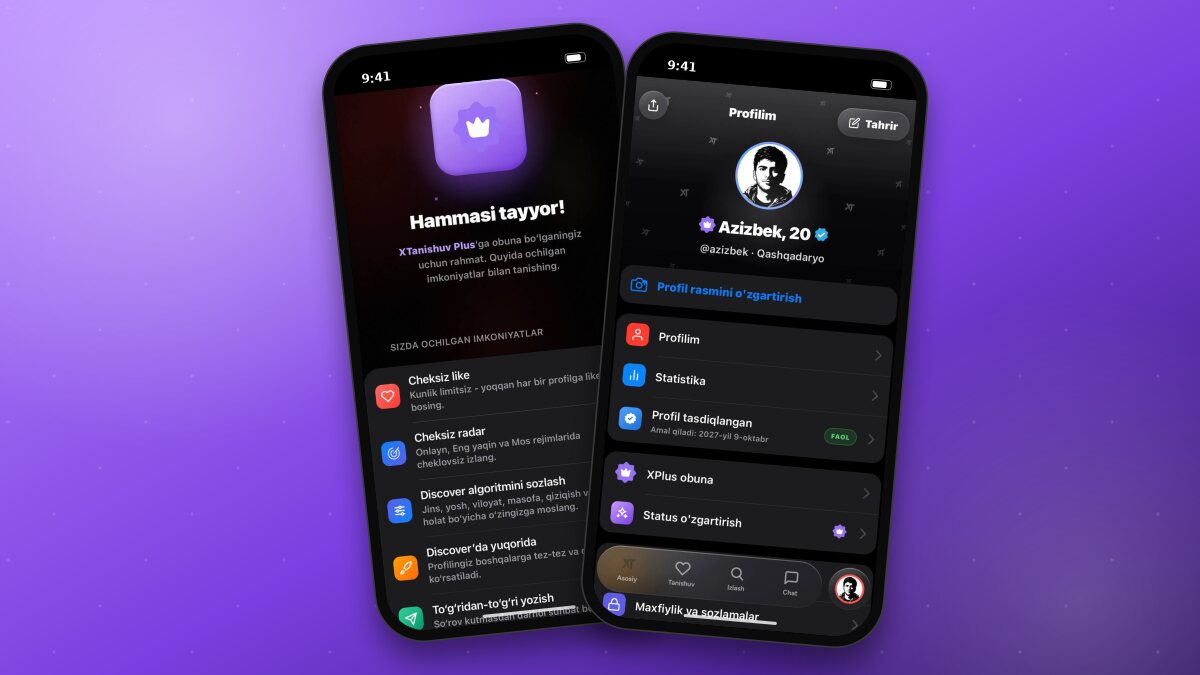
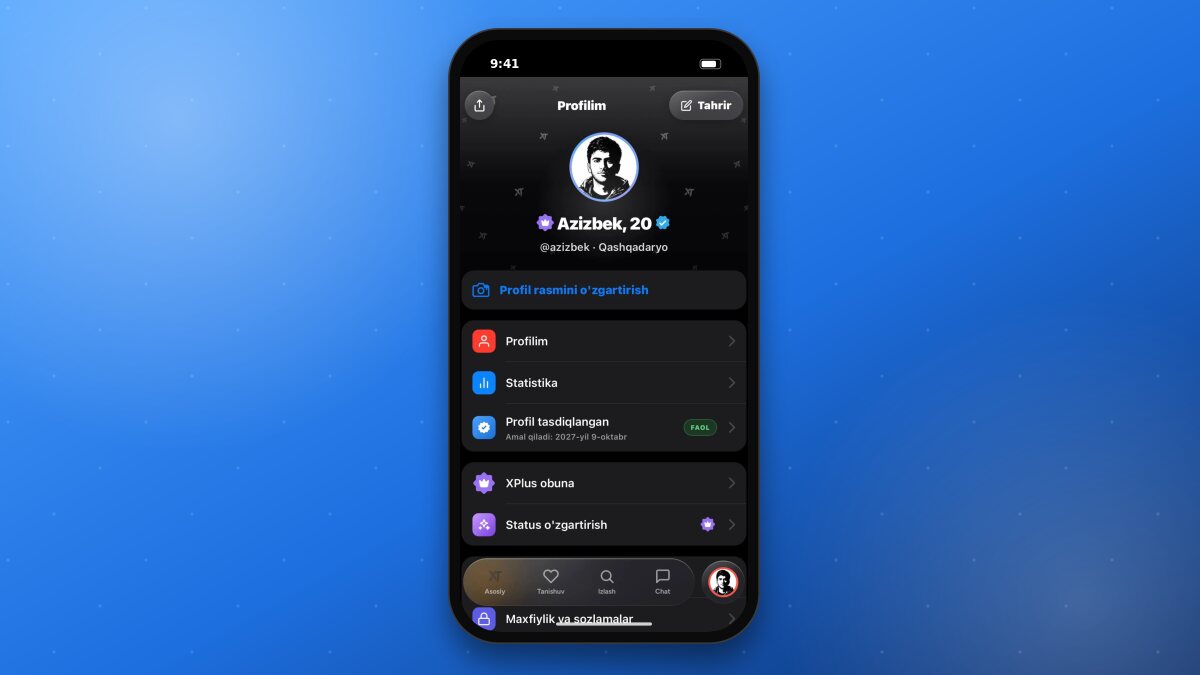
Tapping your avatar in the bottom menu opens the “My profile” page. Here is what you will find there:
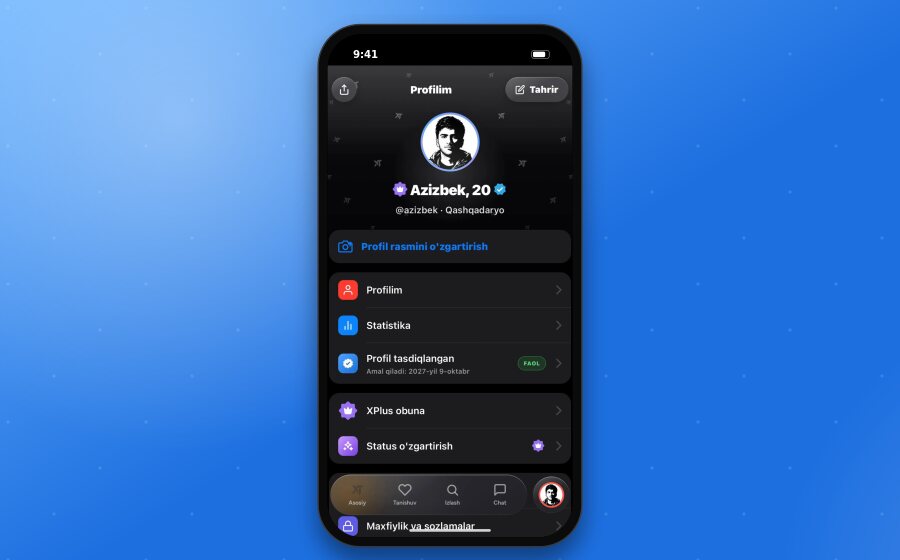
“Edit” (top right corner) - change profile details.
Share (top left corner) - send a link to your profile.
“Change profile photo” - replace your main picture.
My profile and Statistics - your profile view and metrics.
Profile verified - verification status and its expiration date.
XPlus subscription and Change status - subscription and the badge next to your name.
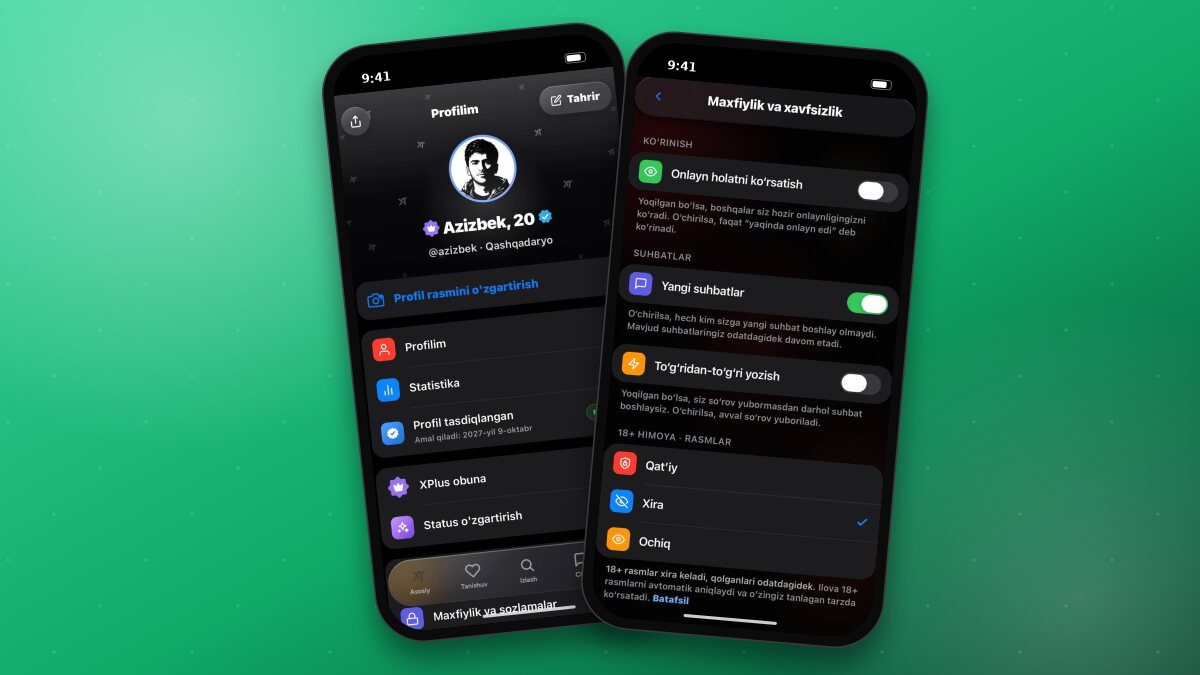
Privacy and settings - privacy, 18+ protection, and other settings.
Profile Information
Name and age. You must be 18 or older to use the service.
Gender and region. Users near you are recommended based on this information.
Photo. A clear photo of your face builds more trust in your profile.
Interests. Choose from 26 categories that suit you: travel, music, sports, books, and more. Shared interests increase your match percentage and make starting a conversation easier.
Dating goal. Choose one of five options: Building a family, Serious relationship, Friendship, Chat and communication, or Not sure yet. Users with similar goals are shown to you first.
About you. A brief description about yourself and your interests.
Profile Verification
A verified profile stands out with a blue checkmark next to the name. To verify, you send a selfie imitating the gesture shown in the app; once the review is complete, the badge appears on your profile. You can start verification via the “Verified profile” banner on the main page. Your verification status and its expiration date are shown in the “Profile verified” row on the “My profile” page.
ImportantAfter verification, your name, age, and gender will become locked and cannot be changed. This is necessary to prevent fake profiles. If you entered any information incorrectly, please contact @xt_help.
Tips for Improving Your Profile
- Upload a few high-quality photos.
- Select your interests fully - the match percentage is calculated based on them.
- Fill out the “About you” section.
- Verify your profile.
TipXPlus members can decorate their profile with colors and badge patterns. You can learn more about this feature in a separate article.